

01
Choose Plan
Select the annual plan that matches your maximum bot allocation.
How it works
A straightforward path from choosing a plan to monitoring the automation in your dashboard.
01
Select the annual plan that matches your maximum bot allocation.
02
Connect your supported exchange account to TurboStrategy.
03
Choose your capital allocation and the available settings, review the configuration, then activate the software yourself.
04
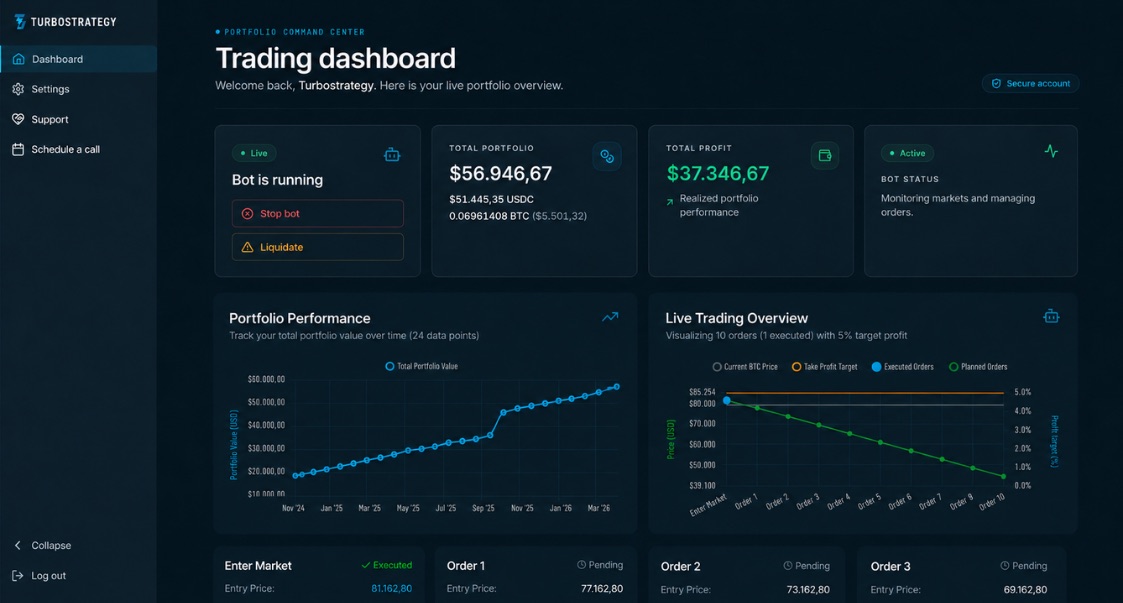
Monitor the bot status and orders in your dashboard and at your exchange. You can stop the bot or revoke exchange access.
Create your account and choose the plan that fits your maximum bot allocation.